Introduction
The SteamCoreWeb Plugin
The SteamCoreWeb plugin (also known as SteamCore::Web) is a Blueprint wrapper and utility plugin for Unreal Engine. It lets you call the Steamworks Web API from Blueprints and C++, without writing any HTTP code yourself.
Every Steam Web API interface is a Game Instance Subsystem. You call a function, the plugin sends the HTTP request on a background thread, and you get the JSON response back in a callback. The plugin includes helper nodes for reading values from the JSON.
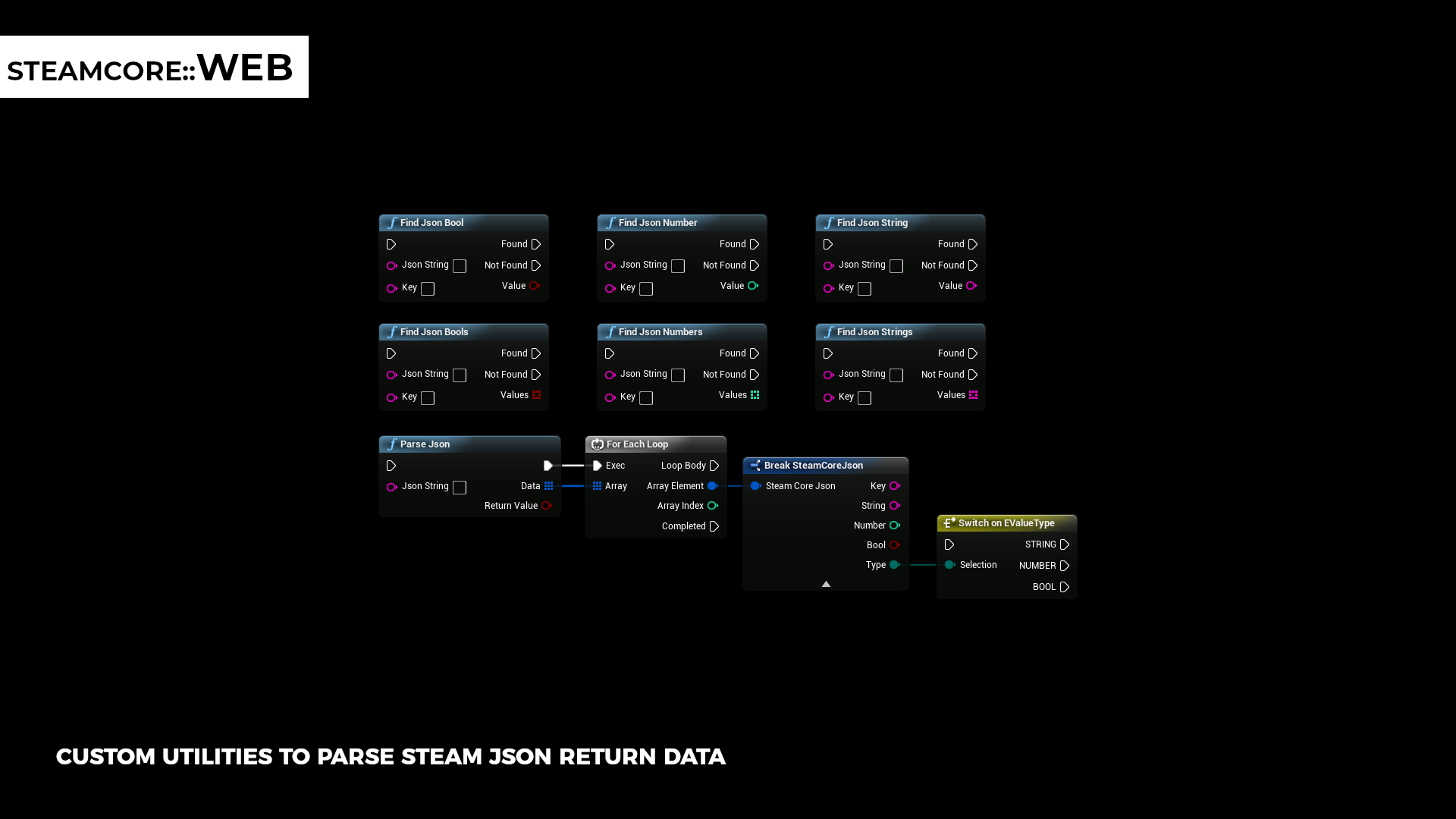
Features
- 24 Steam Web API interfaces, including ISteamUser, ISteamUserStats, ISteamLeaderboards, ISteamMicroTxn, IInventoryService, IPublishedFileService and IGameServersService. See Supported Interfaces.
- Two ways to call every function: a callback function on the subsystem, or an async Blueprint node. See Using the Plugin.
- Microtransactions with a sandbox mode, so you can test the whole purchase flow without real transactions. See Microtransactions.
- JSON helpers that find strings, numbers and bools in the response by key. See Utility Functions.
- Project settings for your publisher key, App ID and a development Steam ID, readable from Blueprints. See Configuring the Plugin.
- Debug and dev mode that print the request strings, or print them without sending anything. The publisher key is masked in the log.
- Disable the subsystems you don't use, so they are never created.
Requirements
| Target platforms | Windows, Mac, Linux, Android |
| Steamworks | A Steamworks partner account and a Web API publisher key for the calls that need one. See Getting a Web API Key. |
| Unreal Engine | See the Fab listing for the supported engine versions |
warning
Most Steam Web API calls need your publisher key. Anyone who has your key can act on behalf of your app, so never ship it in a client build. See Publisher Key Security.