Getting Started
Configuring the plugin
The settings are in Edit → Project Settings → Game → SteamCoreWeb Plugin.
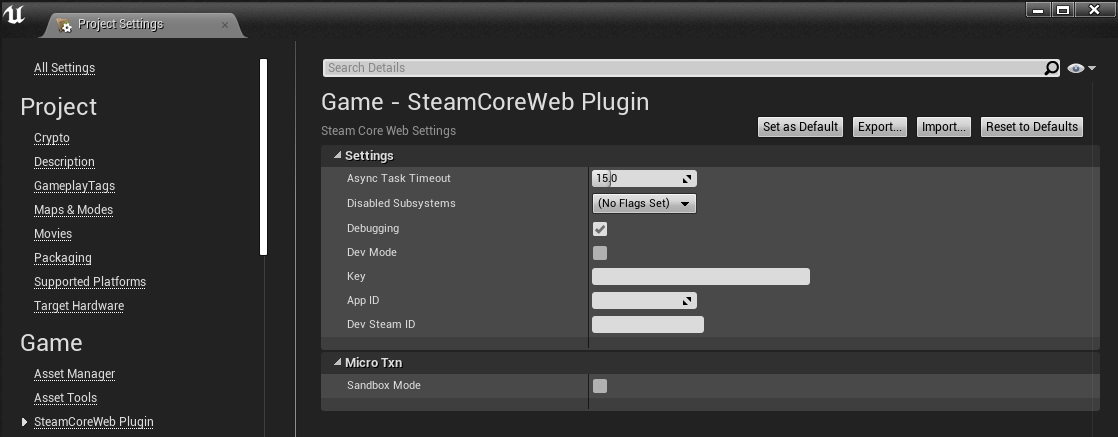
The settings you need
- Key: your Steamworks Web API publisher key. See Getting a Web API Key.
- App ID: your app's ID. The default is
480(Spacewar), Valve's test app. - Dev Steam ID: a Steam ID to use while developing, so you can test calls that take a Steam ID without a signed-in user.
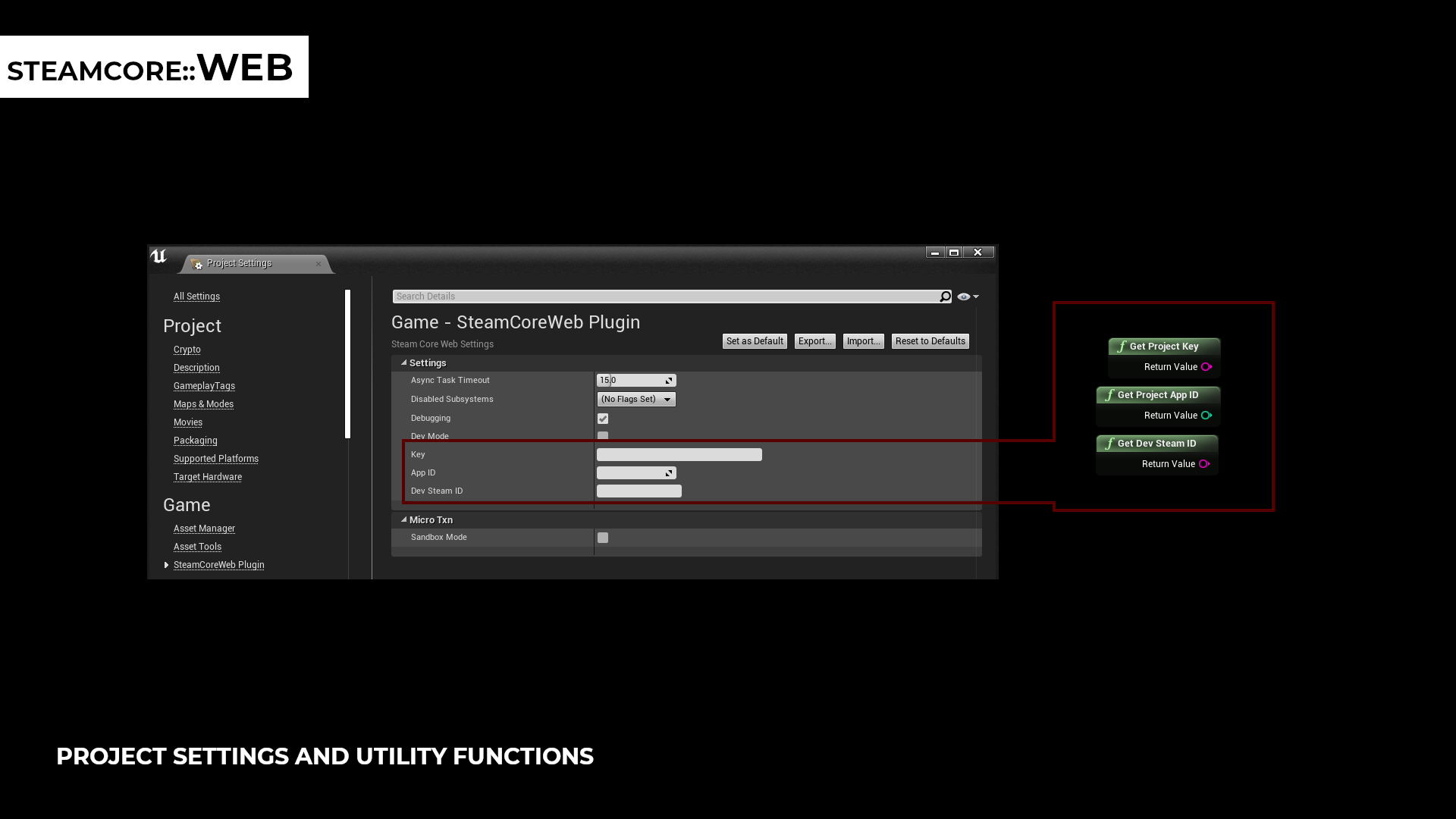
You can read all three from Blueprints with Get Project Key, Get Project App ID and Get Dev Steam ID, and pass them on to the functions that need them.
warning
The settings are saved to Config/DefaultEngine.ini, which is packaged with your game. Leave Key empty in projects you ship to players, and give the key only to your server. See Publisher Key Security.
Debugging
- Turn on Debugging to log every request the plugin sends, and the response.
- Turn on Dev Mode to log the requests without sending them. This is useful for checking that a request is built the way you expect.
The publisher key is masked as key=*** in the log.
Microtransactions
Turn on Sandbox Mode while you test microtransactions. The plugin then uses ISteamMicroTxnSandbox, which works like ISteamMicroTxn but no real transactions take place. See Microtransactions.
All settings are listed in Settings.